


Description
Download Axara Video Converter – Video Converter, Video Editor, Video Downloader, DVD Burner, Video Tool
Overview
Axara Video Converter is a comprehensive video management utility designed to streamline the entire video workflow for users across different skill levels. As a multifunctional tool, it addresses common challenges related to video format compatibility, content accessibility, and media archiving. The app enables users to convert videos into widely supported formats such as MPEG, AVI, MKV, and M4V for iPhone, ensuring seamless playback across devices. It also supports the extraction of audio from video files, offering a practical solution for users who need to repurpose soundtracks or create music libraries.
Target users include both casual content consumers and individuals managing digital media collections. Whether someone is preparing videos for a presentation, preserving DVD content, or downloading clips from online platforms like YouTube, Metacafe, and Facebook, Axara Video Converter offers a centralized solution. The application’s integration of conversion, editing, downloading, and burning functions reduces the need for multiple specialized tools, enhancing productivity and workflow efficiency.
Developed by Axara Software, the app has been available since May 23, 2012, establishing a long-standing presence in the productivity software space. Although the developer did not provide additional technical details, the app’s continued availability suggests ongoing support and relevance. Its role in the broader software ecosystem lies in offering a lightweight, all-in-one alternative for users seeking to manage video content without relying on complex or resource-heavy applications.
Key Features & Functionality
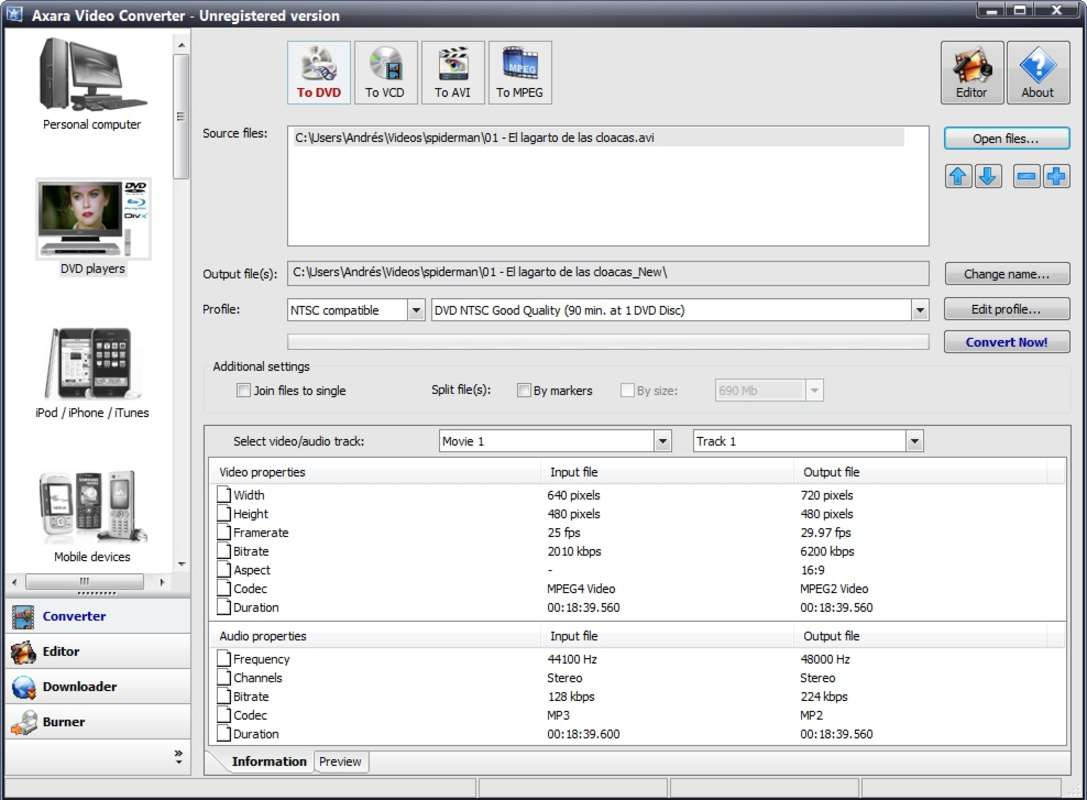
- Multi-Format Video Conversion: Convert videos to popular formats including MPEG, AVI, MKV, and M4V for iPhone. This ensures compatibility with a wide range of devices and media players, enabling users to enjoy their content wherever they go.
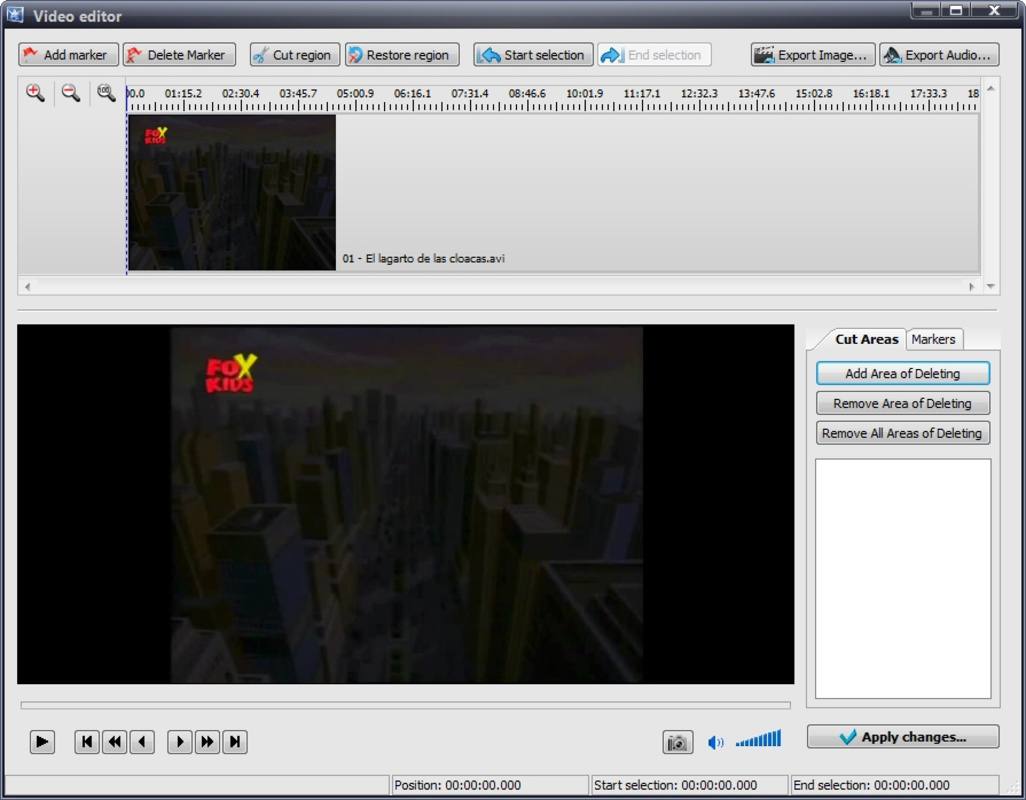
- Basic Video Editing Tools: Trim unwanted scenes and extract audio clips directly within the app. These tools allow users to refine video content without needing advanced editing software, making the process accessible to beginners.
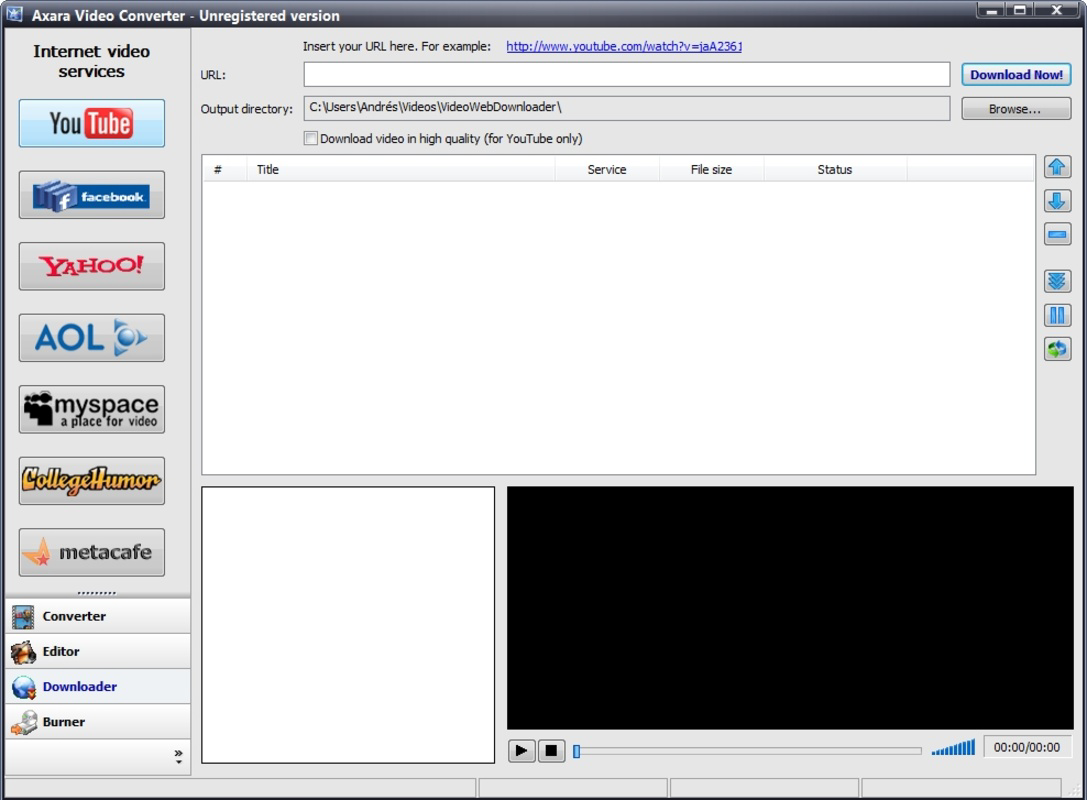
- Online Video Downloading: Download videos from platforms such as YouTube, Metacafe, and Facebook with minimal effort. This feature is ideal for saving online content for offline viewing or archival purposes.
- DVD Content Transfer: Digitize physical DVD collections by transferring content directly to a hard drive. This helps preserve media while improving accessibility and reducing physical storage needs.
- CD/DVD Burning Functionality: Burn converted or edited videos onto CDs or DVDs for sharing, archiving, or creating physical backups. This completes the full video production cycle within a single application.
For example, a user preparing a family slideshow can convert old VHS recordings to digital format, trim the footage, extract background music, and burn the final project onto a DVD for distribution. Another user might download a tutorial video from YouTube, convert it to a smaller file size for mobile viewing, and store it locally. These real-world applications demonstrate the app’s versatility and practical value in everyday digital media management.
Interface, UX & Performance
While specific interface details are not provided, Axara Video Converter is described as having a user-friendly layout that supports easy navigation through its core functions. The design appears to prioritize simplicity, allowing users to access conversion, editing, downloading, and burning tools without requiring technical expertise. The visual style likely emphasizes clarity and functionality, minimizing clutter to enhance usability.
Navigation is expected to follow a logical flow, with intuitive menus and accessible buttons for each major feature. Users can likely initiate tasks with minimal steps, such as dragging a file into the interface or selecting a destination format from a dropdown list. This approach supports efficient task completion, particularly for users unfamiliar with complex software.
Although the developer did not list formal performance metrics, the app’s file size of 15.5 MB suggests a lightweight footprint, which typically correlates with faster startup times and lower system resource usage. It is expected to perform reliably on standard Windows systems, though compatibility with different device categories was not fully disclosed. Responsiveness and stability are likely maintained through consistent updates, though specific details were not provided.
Platform Compatibility & Technical Requirements
Axara Video Converter is designed for the Windows platform and requires a compatible Windows operating system. The current version is 1.0.0.1, with a file size of 15.5 MB. The app is available at no cost, making it accessible to a broad user base.
Specific requirements such as minimum OS version, processor specifications, or RAM were not listed. The developer did not specify minimum OS requirements, nor did they provide information on hardware compatibility. As such, users are advised to ensure their system meets general Windows standards for running applications of similar size and functionality.
Pros and Cons
- Free to download and use, making it accessible for budget-conscious users
- Combines multiple video tools into a single application, reducing software clutter
- Supports conversion to popular formats for cross-device compatibility
- Offers built-in video editing and audio extraction for basic content refinement
- Includes online video downloading and DVD/CD burning features for full workflow support
- Not available for mobile platforms; limited to Windows only
- Specific system requirements were not disclosed
- No information on update frequency or long-term maintenance
- Limited visual feedback or customization options may be present
- May lack advanced editing features found in professional software
FAQ
Is Axara Video Converter safe to download and use?
The app is free and available for Windows. While no third-party security warnings were reported, users should ensure they download from official sources to avoid potential risks.
Can I use Axara Video Converter on my smartphone?
Currently, the app is only available for Windows. There is no mobile version for Android or iOS devices.
Does Axara Video Converter support the latest video formats?
The app supports common formats such as MPEG, AVI, MKV, and M4V. Support for newer or emerging formats was not specified.
How often is Axara Video Converter updated?
Update frequency was not disclosed by the developer. Users should check official channels for the latest version.
Can I burn videos to DVDs using this tool?
Yes, Axara Video Converter includes built-in CD/DVD burning functionality, allowing users to create physical copies of their converted or edited videos.
Final Thoughts
Axara Video Converter stands out as a practical, no-cost solution for users seeking to manage video files across multiple stages—from conversion and editing to downloading and physical archiving. Its integration of essential tools into a single lightweight application reduces the need for multiple downloads and enhances workflow efficiency. While it lacks mobile support and detailed technical specifications, its core functionalities remain relevant for users working within the Windows environment.
Those who frequently handle video content, such as educators, content creators, or individuals digitizing personal media, will find significant value in its all-in-one approach. The app’s free pricing model further strengthens its appeal, especially for users who need reliable tools without financial commitment.
Despite its age, the continued availability of Axara Video Converter suggests ongoing utility and basic maintenance. For users looking for a straightforward, no-frills video management tool, this app delivers consistent functionality across key tasks.
Download Axara Video Converter now
Guides & Tutorials for Axara Video Converter
How to install Axara Video Converter
- Click the Preview / Download button above.
- Once redirected, accept the terms and click Install.
- Wait for the Axara Video Converter download to finish on your device.
How to use Axara Video Converter
This software is primarily used for its core features described above. Open the app after installation to explore its capabilities.
User Reviews for Axara Video Converter 0
No reviews found


